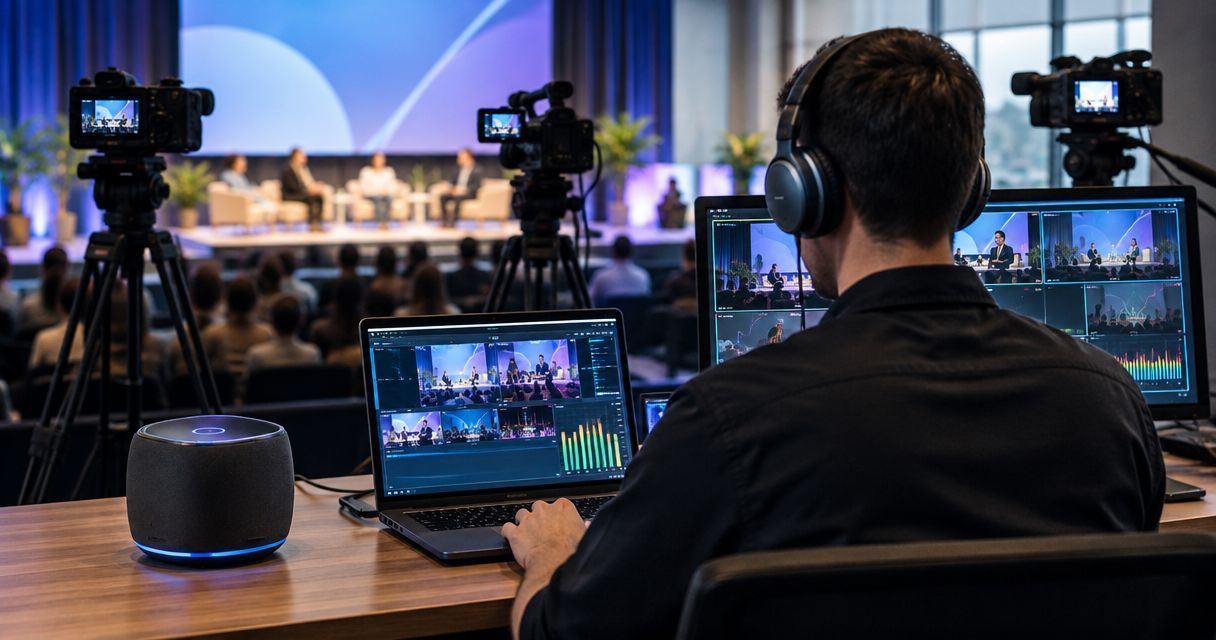
Hypno Hub Pro to multi-camera event capture: complete 2026 workflow
instead of manually matching files from separate event cameras, build your hypno hub pro production brief around a shared capture plan, approved branding, and a tested delivery path. use this 2026 workflow to organize multi-camera event capture without confusing several camera positions with synchronized recording.
TL;DR
- Hypno is best for brands and agencies planning branded photo and video capture for activations.
- For hypno hub pro planning, confirm the exact camera, connection, and delivery configuration before committing the activation.
- Test branded content and instant delivery together, using the actual event setup.
- Multiple camera positions do not establish synchronized capture; specify that requirement separately.
why this matters
branded content and instant delivery belong in the same production brief. a strong capture means little to a guest who cannot receive it, and a fast handoff does not fix the wrong campaign artwork.
Hypno provides branded instant photo and video booth technology and content capture services for event professionals, brands, and agencies. this guide organizes the production decisions around that offer; camera compatibility, connection methods, and simultaneous capture require confirmation for your specific setup.
separate the creative promise from the technical acceptance test. your agency approves what guests receive. your production team proves how it gets there.
before you start
- get the right people involved. include the activation producer, capture operator, creative approver, and whoever controls venue access and connectivity. assign a named decision-maker for each responsibility.
- prepare the materials. bring the event brief, approved campaign artwork, intended photo or video outputs, venue plan, and the proposed equipment list. request the current operating instructions for the agreed configuration.
- resolve the hidden gotcha: timing. multiple cameras covering an event are not automatically synchronized cameras. if your concept needs matching perspectives of the same instant, get that requirement accepted before booking equipment or approving creative.
use the steps below as a production worksheet. bold labels identify fields to add to that worksheet, not software buttons or settings. follow the current product instructions for the actual interface.
capture brief
define the job before connecting equipment
- complete event details with the date, location, venue access window, and activation hours. for a 2026 campaign, put the approved campaign version beside those details so old artwork does not travel with a reused brief.
- write guest action as a single instruction. decide whether the guest poses, demonstrates a product, or performs a movement. give the operator an observable action rather than an abstract brand mood.
- complete required output with the approved format and intended use. distinguish guest-facing content from material your agency wants for later editing.
- assign camera roles. for a proposed 2-camera setup, specify what each camera contributes and whether both are required for a successful guest session.
- record acceptance owner. name the person who can approve a test capture and stop the team from making unapproved changes.
expected result: the team can describe a successful session without mentioning equipment. everyone knows what gets captured, who receives it, and who approves it.
keep the brief specific to the activation. a product launch needs a clear relationship between the guest and the product; a pop-up needs a capture experience that fits the visitor journey. neither brief becomes useful by listing cameras alone.
camera and connection plan
give every capture position a purpose
- draw the guest position, camera positions, operator position, and exit route on the venue plan. mark power and connectivity requirements only after the production team confirms them.
- complete equipment confirmation with the exact proposed camera models, connection method, and supporting equipment. ask the provider to approve the combination rather than assuming components work together.
- complete timing requirement with either independent coverage or explicitly required synchronized capture. if synchronization is essential, define the visible result the acceptance test must prove.
- assign session matching. agree how the team will associate outputs with the correct guest session, using the supported workflow. do not assume automatic grouping, facial matching, or a shared timeline.
- document failure response. decide whether the activation continues with a reduced capture plan or pauses when a required camera becomes unavailable.
expected result: every camera has a job, every connection has an owner, and the team knows what constitutes a failed session.
more cameras create more production dependencies, not an automatic improvement. remove a camera position if nobody can explain how its output changes the guest experience or the campaign deliverable.
branding and delivery plan
approve what the guest actually receives
- complete approved artwork with the final assets and a clear version name. confirm the supported branding treatment before building creative around a particular placement or effect.
- write delivery path as the actual guest journey. specify the confirmed handoff method and who explains it. do not promise a particular channel until it is agreed for the activation.
- separate guest delivery from agency handoff. content reaching a guest does not, by itself, define how your production team receives material for later use.
- complete permissions with the notices, approvals, and data-handling instructions your organization requires. have the responsible team review them before collecting information or publishing guest content.
- assign delivery owner. make one person responsible for investigating missing content instead of sending the guest between operators.
expected result: the approved creative appears on the intended output, and the team can explain the confirmed delivery process without improvising.
for 2026 activations, put artwork approval and delivery approval on the same sign-off sheet. the branded photo booth activation guide gives the broader campaign context; this workflow keeps production accountable for the complete handoff.
rehearsal and launch gate
test the complete guest journey
- run 1 test guest through the actual sequence, from the queue explanation to content receipt. use the approved artwork and proposed camera configuration, not a simplified demonstration.
- inspect 3 checkpoints: capture, branding, and delivery. check that the content depicts the intended action, carries the correct creative, and reaches the intended recipient through the agreed method.
- repeat the test with a separate guest session. confirm that the team can distinguish the sessions and avoid handing one guest another guest's content.
- rehearse a failed camera or interrupted connection with the production lead. follow the agreed failure response rather than changing equipment or restarting components without direction.
- record launch approval. capture the approver's name, the accepted configuration, and any remaining restrictions in the event run sheet.
expected result: a guest can complete the experience, receive the correct branded output, and leave without an unresolved production task.
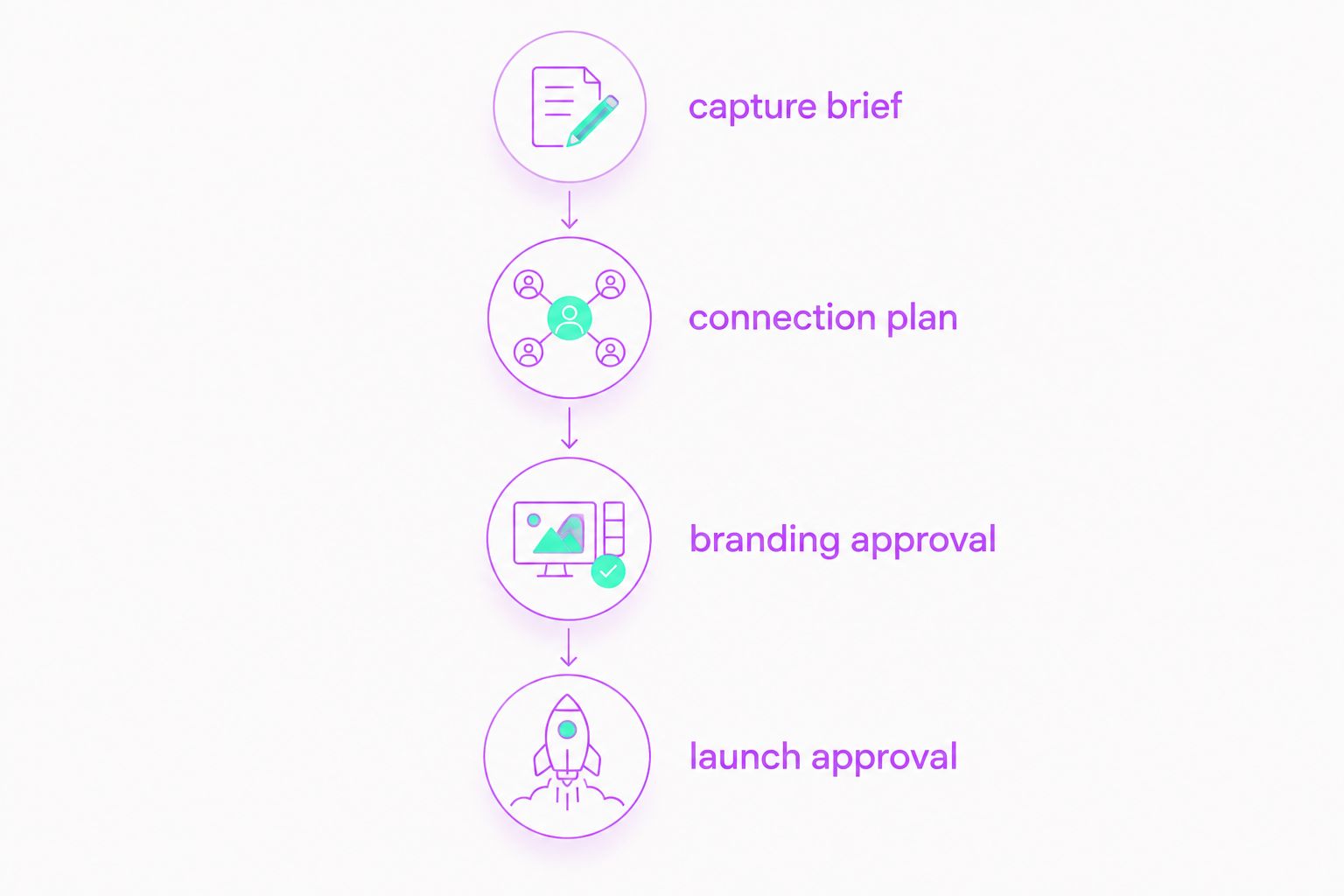
approve the complete guest journey before opening the activation.
a successful rehearsal is permission to use the tested configuration, not permission to change it freely. repeat the affected checks after changing artwork, a camera role, or the delivery path.
second variant: independent capture across activation zones
a multi-zone pop-up needs a different brief from a synchronized capture concept. assign each zone its own guest action and acceptance test, then define the campaign rules that remain consistent across zones.
independent camera positions
- best for: separate activation moments or event zones
- advantage: each position has a distinct creative job
- trade-off: outputs need an agreed session-matching and handoff process
- acceptance test: each zone produces and delivers the correct content
synchronized capture requirement
- best for: a concept that depends on matching perspectives of the same moment
- advantage: supports a clearly defined timing-dependent creative brief
- trade-off: requires explicit technical confirmation and a timing test
- acceptance test: the proposed configuration proves the required timing result
these are production approaches, not a statement that either configuration is included in a particular product. choose independent coverage when the concept does not require synchronization. choose a synchronization-dependent brief only after the proposed system passes its acceptance test.
for a 2026 rollout, give each zone a stable name in the run sheet. record which artwork, operator, and capture instruction belong there. if guests visit several zones, define whether each visit is independent or part of a connected experience before the doors open.
troubleshooting
camera outputs belong to the wrong session
stop the affected handoff and compare the operator's session record with the captured outputs. correct the matching procedure before restarting; do not solve a session-identification problem by sending a larger batch of files.
use a fresh test session to prove the fix. if automatic association is part of the proposed setup, have the provider demonstrate it rather than assuming it exists.
content captures, but delivery fails
check whether the failure affects capture, transfer, or the final guest handoff. ask the technical lead to trace the agreed path in that order, preserving captured material wherever the supported workflow allows.
the distinction between camera-to-cloud versus tethering belongs in the connection plan: define how files leave the camera separately from how guests receive finished content. neither connection approach, by itself, establishes the complete delivery experience.
branding is correct at one position but wrong at another
compare the active creative against approved artwork in the production worksheet. stop the affected position, apply the approved correction through the documented process, and inspect a new output.
do not treat a correct preview at another station as proof. the acceptance check belongs to the position producing the content.
the timing-dependent effect does not match the brief
pause that effect and compare the result with timing requirement. several cameras recording the same activity do not prove synchronized capture.
ask the technical lead to verify the accepted configuration and repeat the timing test. switch to independent coverage only if the creative owner approves the changed deliverable.
customize your workflow
expand the brief around the campaign, not around extra equipment. add a capture position only when it contributes a distinct output, and add a delivery step only when it has an owner and an acceptance check.
Hypno's branded photo and video capture offer fits brands and agencies planning activations. the trade-off is production coordination: branding, venue conditions, guest instructions, and the agreed technical setup still need a shared brief. instant delivery is part of the offer, not a reason to skip rehearsal.
if you are sourcing photo booth rental los angeles or photo booth nyc for a 2026 activation, lead with the venue and campaign requirements. confirm the proposed service scope for that location rather than treating a city search as proof of local staffing, equipment, or support.
send the event date, location, guest experience, intended outputs, and synchronization requirement when you request a quote. include the venue contact and artwork approval owner so the production discussion starts with decisions, not guesses.
FAQ
How do I plan a hypno hub pro multi-camera workflow?
Start with the guest action, required output, camera roles, and delivery path, then confirm the proposed technical configuration. Approve a complete test session before opening the activation.
Does using multiple cameras mean the capture is synchronized?
No. Multiple camera positions do not establish synchronized capture. Specify the timing requirement and require the proposed configuration to demonstrate it.
What should an agency include in the production brief?
Include the event date, location, guest action, required outputs, approved artwork, camera roles, and delivery requirements. Name the people responsible for creative approval, technical decisions, and guest handoff.
Can I assume every camera works with the proposed setup?
No. Get confirmation for the exact camera models, connection method, and supporting equipment before committing the production plan. Test the agreed combination rather than substituting components without review.
What should I test before guests arrive?
Test capture, branding, and delivery through the complete guest journey. Run separate guest sessions and confirm that each recipient receives the correct content.
What should I send when requesting an activation quote?
Send the event date, location, and a clear brief describing the guest experience and intended content. Include any multi-camera or synchronization requirement so the proposed scope addresses it explicitly.
one last thing
test the handoff after the photograph. ask someone outside the production team to complete the guest journey without coaching. their hesitation identifies an instruction or responsibility your crew has learned to work around.
for your 2026 run sheet, make the final approval about the delivered experience. a camera firing is a technical event. the right guest receiving the right branded content is the production result.
related guides